To support Ada's mobile strategy, I designed one of Ada's only multi-device features: notifications that let you start a chat on desktop and continue on mobile. Along the way, I raised the bar on user research and prototyping.
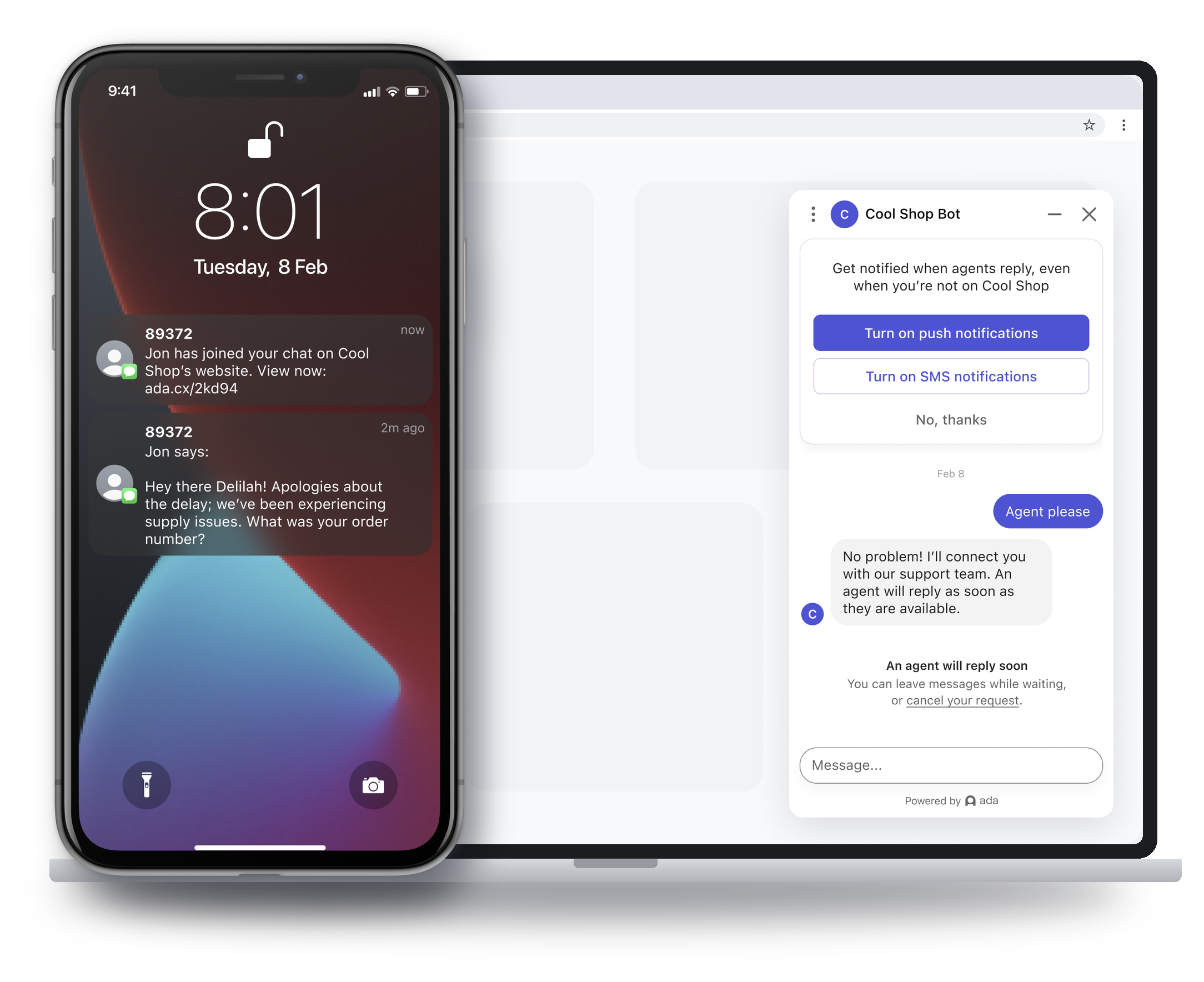
The whole promise in three screens: opt in from the chat on your laptop — push or SMS — then get pulled back the moment an agent replies. Start on desktop, continue on mobile.
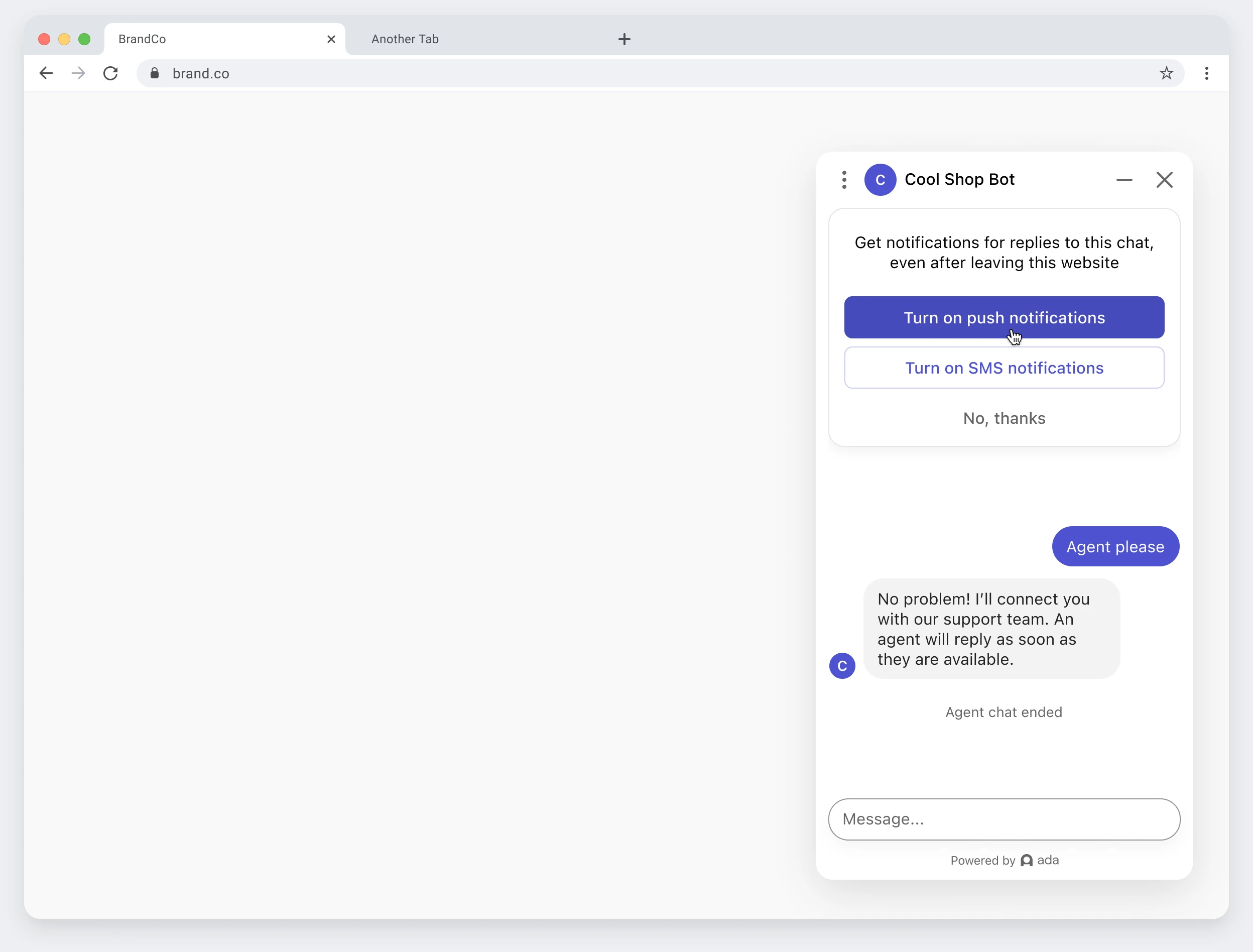
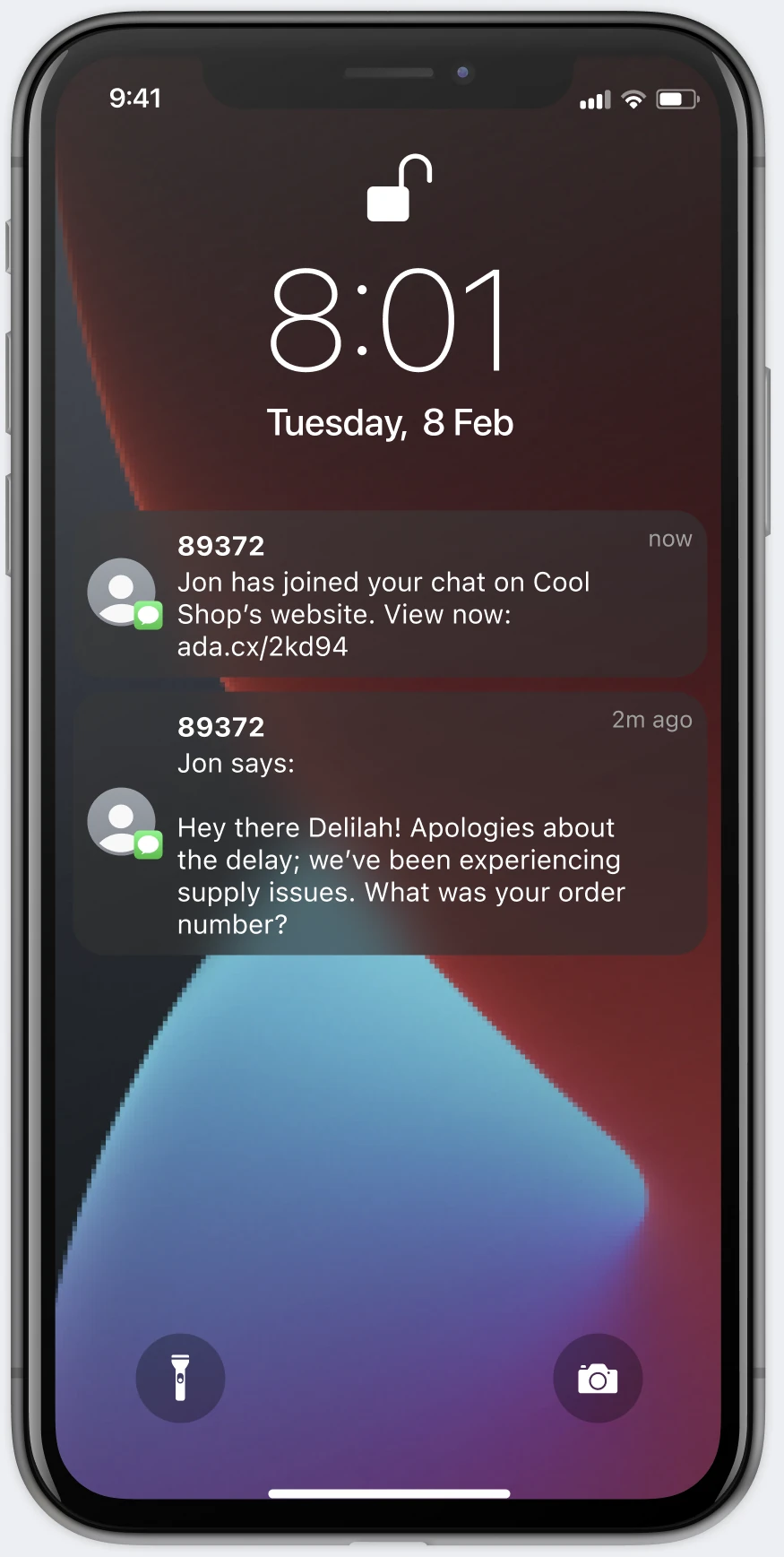
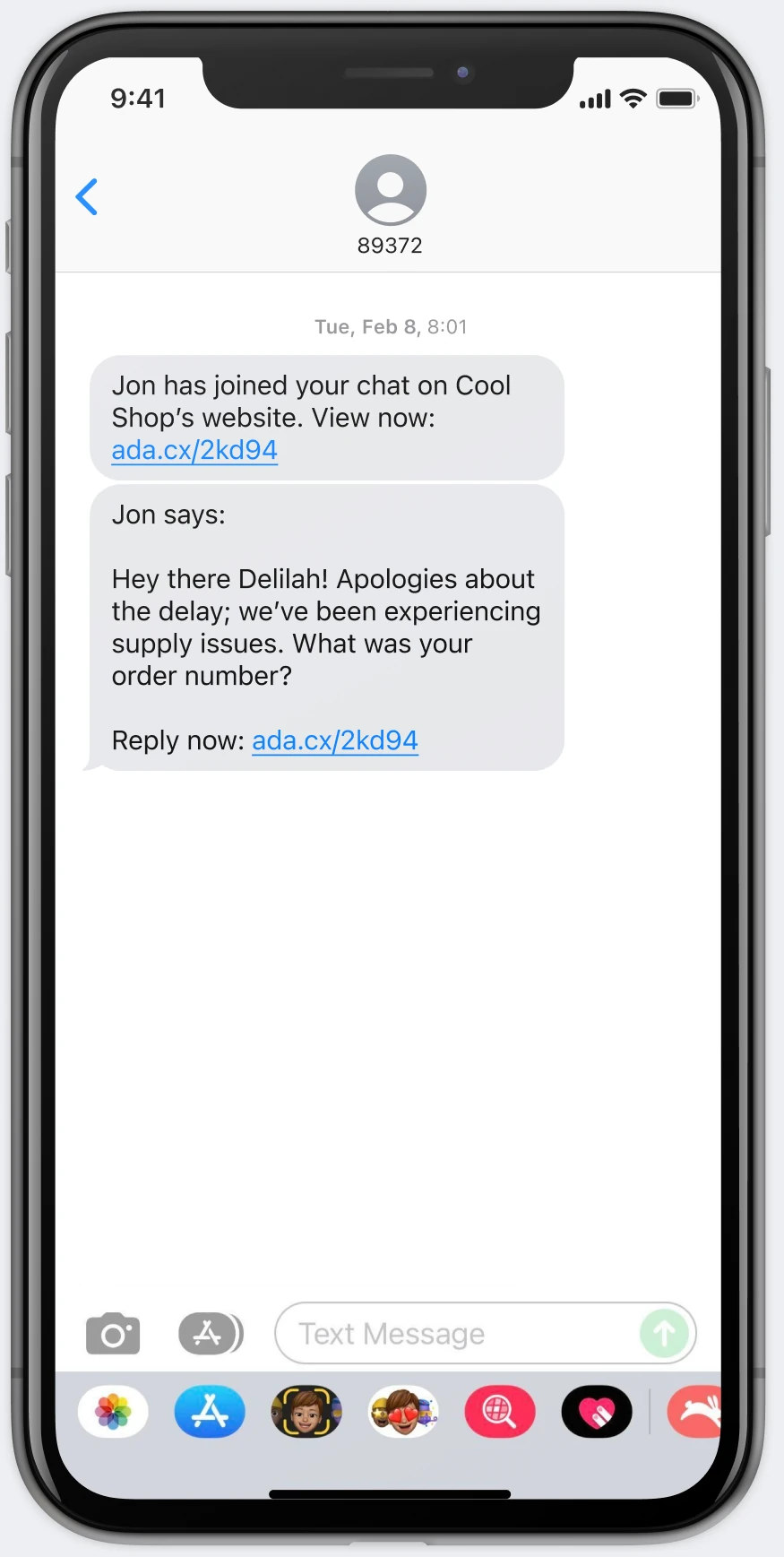
Static screens can sell an onboarding flow; they can't sell an invisible, cross-device behavior. I built a narrative video prototype that showed the feature working across devices, winning enthusiastic buy-in from leadership for our V1 milestone
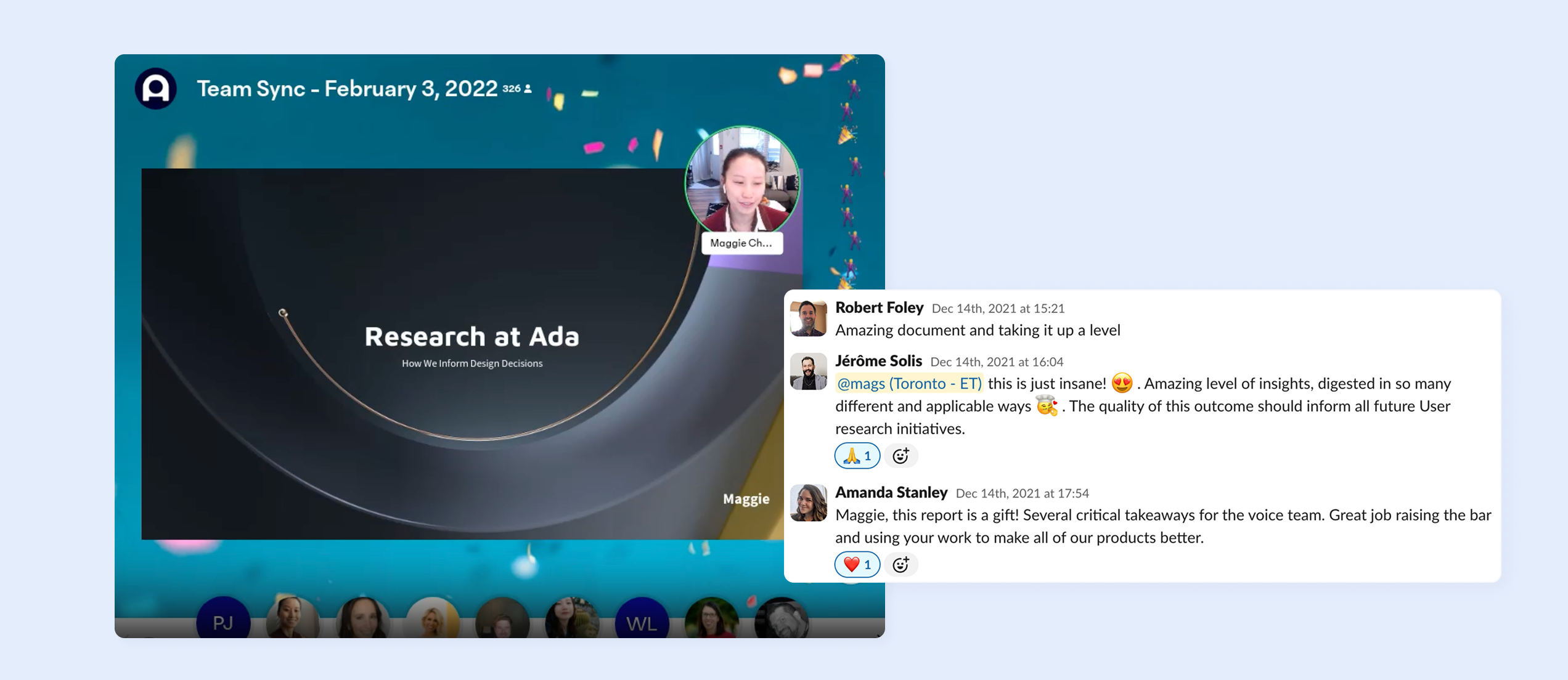
Ada had interviewed plenty of buyers, but never the agents and end users who used our product day-to-day. I secured a budget, formed a plan, and recruited users to interview. Then, I turned research findings into artifacts that steered multiple Product Managers' thinking. My research was so impactful that I was invited by the VP of Product to present it company-wide.
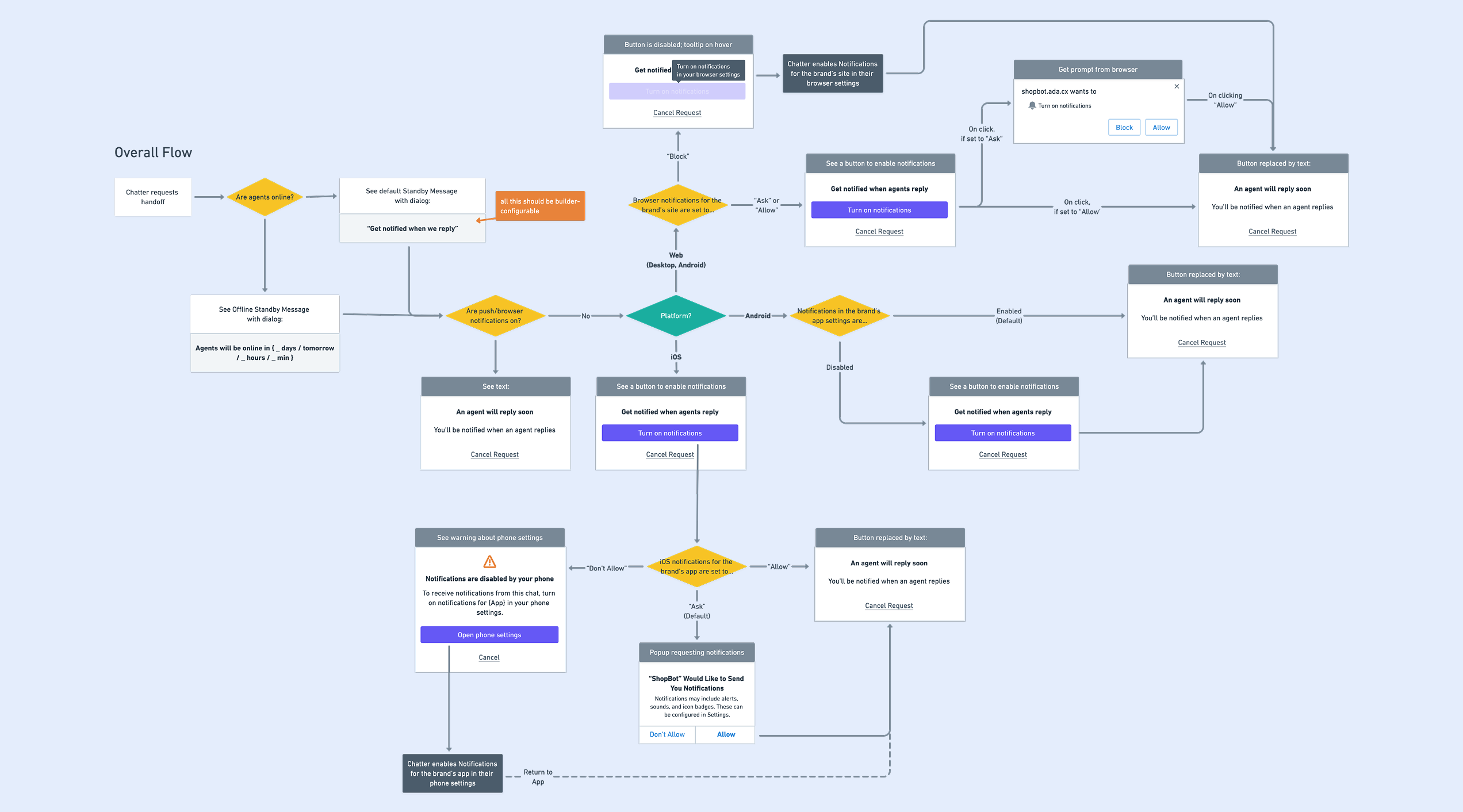
The hard design problem wasn't the notification; it was explaining why one didn't arrive. Across desktop browsers, mobile browsers, and native apps, I mapped every permission state: when Ada asks, when the device asks, and what happens when the two disagree. Designing for the failure states is what made the happy path trustworthy.

See the full context, including my end-to-end process, trade-offs, and learnings.
Enter Password